agentlinkops
Nofollow, sponsored and UGC links explained
Understand nofollow, sponsored and UGC link attributes. Record changes accurately without confusing qualified links with missing placements or ranking guarantees.
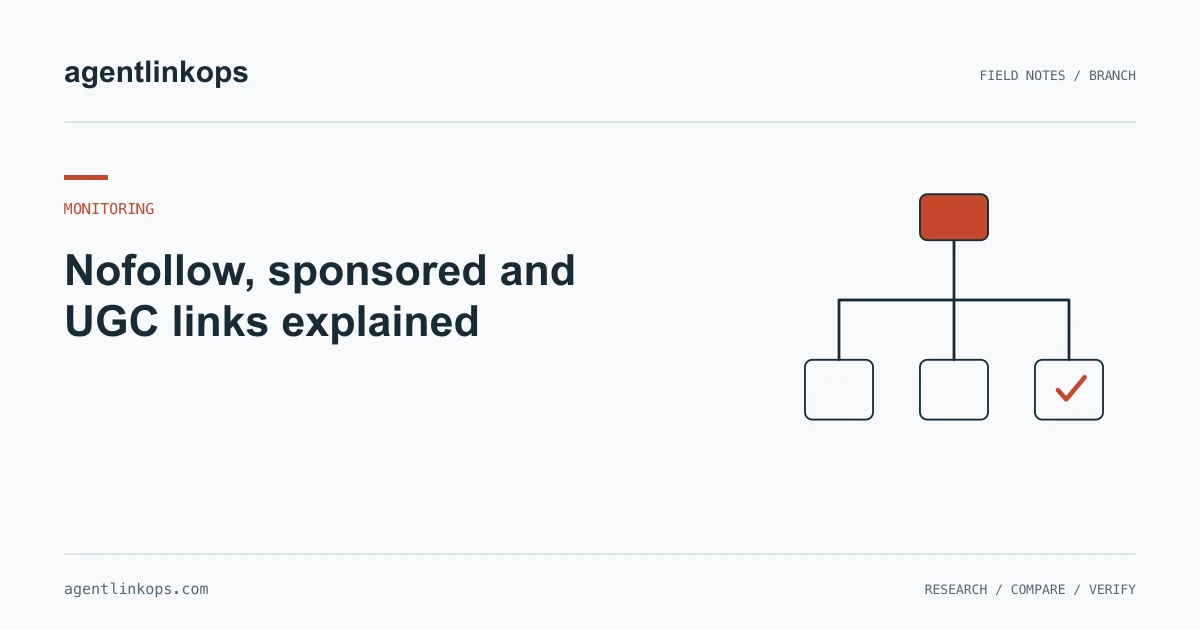
Nofollow, sponsored and UGC are values in a hyperlink's rel attribute. They describe a relationship or qualification attached to the link. Record the actual values when reviewing a backlink, while keeping link presence, destination health and search performance as separate questions.
The absence of these values does not establish a ranking benefit. A monitoring report should say what the page contains. The broader monitoring process keeps that observation separate from conclusions the evidence cannot support.
What the three values mean
Google's outbound-link guidance recommends sponsored for paid placements and ugc for user-generated links. It describes nofollow for other cases where those qualifications do not fit.
A link can carry more than one value. Inspect the attribute as a collection of values instead of looking for one exact string. A reporting system that expects only nofollow could misread a link that contains both ugc and nofollow.
Keep the observed spelling in your evidence and use a consistent normalized representation for comparison. That way a change in whitespace or order does not create a false editorial-change alert.
Separate a changed attribute from a missing link
If yesterday's hyperlink has the same destination today but its attributes changed, the link remains present in the inspected page. Record the attribute change as its own event.
This distinction matters when someone reviews a weekly report. “Three lost links” suggests three absent placements. “Three present links with changed attributes” describes a different situation and calls for a different response.
Check the source page and exact destination using the verification procedure. Do not skip that step because a supplier already assigned a follow or nofollow label. Your latest observation and the supplier's older label may describe different moments.
Worked example: a community contribution
Imagine a synthetic community resource post linking to a spreadsheet. A review finds the following history:
| Date | Hyperlink | Observed values | Conclusion |
|---|---|---|---|
| First check | Spreadsheet destination present | ugc | Present, qualified as user-generated |
| Later check | Same destination present | ugc nofollow | Present, attributes changed |
| Final check | No hyperlink in complete post | None observed | Absent in the inspected post |
The middle row should not be reported as disappearance. Nor should the first row be described as an endorsement by a search engine. The page supplies evidence about its markup, not a guarantee about outside systems.
Before contacting the publisher about the middle row, read the forum or community policy. A site-wide attribute change may be intentional. Asking the owner to remove a qualification solely to satisfy a campaign metric can conflict with the purpose of the page.
Preserve the relationship behind the placement
Keep payment or contribution context in your own campaign record when it exists. Do not infer that context from the markup alone. A publisher might qualify a link conservatively, or a paid placement might be missing the expected qualification.
Google's link-spam policy addresses links created to manipulate rankings. Use that policy when reviewing campaign intent, rather than treating one attribute as a complete quality assessment.
For sponsorship work, record the agreed disclosure and review the actual published page against it. If an editor chooses to qualify an ordinary editorial link, preserve that choice. Your record should not turn every qualified link into a failed campaign.
Report the facts a reader can use
A useful report includes the source URL, exact destination, observed values, check time and whether the page inspection was complete. Add a plain explanation of any change from the previous observation.
Avoid a single “good link” badge that merges all those dimensions. A relevant community link and a broken unqualified link can have very different practical value to a reader. Use the monitoring checklist to keep the fields separate, then use publisher relevance when judging the page's audience and purpose.
Sources
- Qualify your outbound links to Google · Google Search Central · 2025-12-10
- Spam policies for Google web search · Google Search Central · 2026-08-28