agentlinkops
Backlink exclusion rules that preserve evidence
Create backlink exclusion rules that preserve original evidence. Preview whole-group effects and record reasons before filtering a competitor gap comparison.
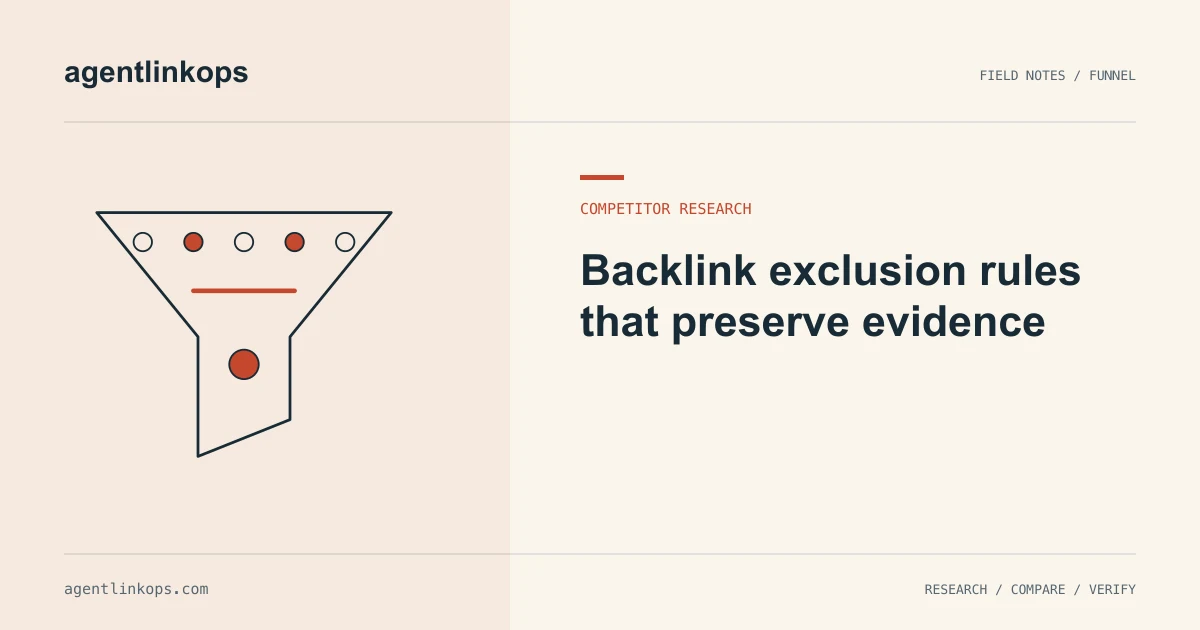
Backlink exclusion rules remove out-of-scope records from a research view while preserving the underlying evidence. Define the group a rule affects, preview its matches across every compared inventory, and save a reason. An exclusion should make the question clearer without manufacturing a gap through uneven filtering.
Exclusions belong inside the competitor backlink research workflow. Keep them separate from access failures and missing data, which describe uncertainty rather than campaign scope.
State the reason before writing the pattern
Begin with a sentence a reviewer can understand: exclude our own domains, remove sources unrelated to this campaign, or set aside a known directory family pending review. Then choose the narrowest matching rule that serves that reason.
A broad text match can catch more than you intend. Matching a word anywhere in a URL may affect a path, query, or unrelated hostname. Decide whether the rule targets an exact source URL, a host, or a domain group.
Keep commercial or policy decisions explicit. Google's spam policies discuss arrangements intended to manipulate rankings. A campaign may exclude certain placement types for that reason, but the report should preserve the actual observed links and the reason they were set aside.
Preview the rule across all inputs
Apply a proposed rule to the frozen inventories used in the comparison and inspect its matches before saving it. Count both matched rows and affected groups. A rule that matches a single domain might hide hundreds of repeated links.
If the comparison groups by domain, decide whether an exclusion removes the entire group from every side. Filtering only one competitor's rows can change intersection counts and produce a misleading result.
Do not test the rule only on today's shortlist. It may match records in your own inventory that are absent from the displayed candidates. The preview needs all compared inputs to show the full effect.
Examine a synthetic filtering mistake
Suppose a fictional comparison includes a source domain called events.example. It links to Competitor A from a public resources page and to your site from a member profile. Both relationships belong to the same domain group.
A reviewer wants to exclude member-profile placements from an editorial campaign. If the report removes only your profile row but keeps the competitor's resource row, the domain suddenly appears as a missing group for you. The filter has created that apparent gap.
There are two defensible approaches. For a domain-level report, exclude the whole group consistently and keep a note about why. For a page-level research question, compare source pages and state that unit in the result. The mistake is silently mixing the two questions.
| Decision | What remains clear |
|---|---|
| Exclude the whole domain group | The group is outside this comparison |
| Compare exact source pages | Different page relationships remain visible |
| Remove only inconvenient rows | The report can misstate group membership |
This example is invented to explain the logic. It is not a claim about any real publisher or product result.
Retain exclusions as records
Store the rule, scope, reason, author or owner, date, and preview counts. Keep the original inventory unchanged. If the system supports saved rule sets, record which version each report used.
An excluded group should remain inspectable in a separate view or source file. Deleting the evidence makes it harder to answer why the group disappeared, whether the rule was too broad, or how the report would look without it.
When a rule expires or the campaign changes, review it explicitly. A source excluded from a local event campaign could fit a later national research project. The old decision may have been correct for its original purpose.
Keep unknown evidence outside the rule set
A failed page request is not a reason to invent a permanent exclusion. Put it in an unresolved review queue with a possible retry date. A missing target field also needs data repair before a confident comparison.
Our export comparison guide explains how to hold unresolved rows. The gap-analysis worksheet keeps them separate from missing membership, while competitor monitoring shows how rule changes affect later reports.
Review the final counts in context
Report the number of included groups, excluded groups, and unresolved groups beside the shortlist. A reviewer can then see whether a smaller result came from better fit, a broader exclusion, or incomplete data.
Save one or two matched examples for each new rule and read them before approving the view. The aim is a comparison whose boundaries another person can explain. A precise exclusion policy protects that explanation while leaving the original observations available for later work.
Sources
- Spam policies for Google web search · Google Search Central · Not stated; accessed September 12, 2026