agentlinkops
A backlink MCP workflow for your agent
Run a backlink MCP workflow with saved evidence first, separate discovery and verification, and approval before paid requests, monitoring or publisher outreach.
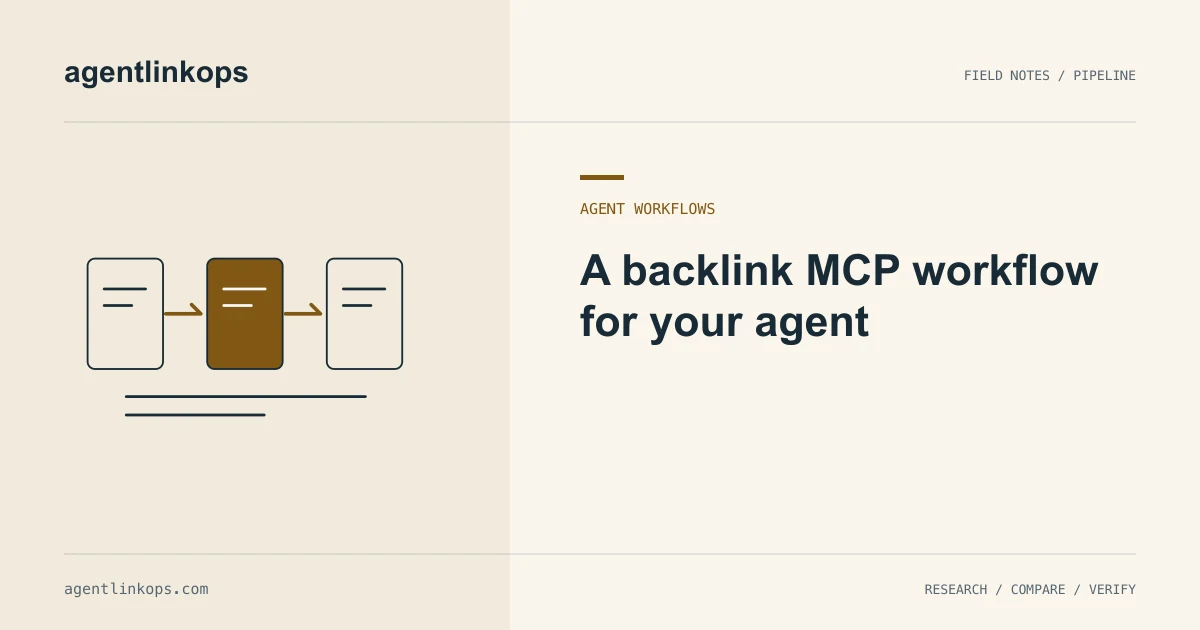
A backlink MCP workflow gives your agent a way to read link records, inspect opportunities and request approved checks. Start with an accessible project and saved evidence. Add discovery, verification and recurring monitoring as separate steps, each with a clear result and a known cost.
This walkthrough describes AgentLinkOps contracts reviewed on September 12, 2026. Imported discovery and local workflows exist; hosted availability depends on the connected environment. A listed tool can still refuse work when its data lane is inactive. The connection guide is the starting point for an authorized account.
Read the connected tool catalog
Model Context Protocol, or MCP, describes tools through names and input schemas. A client asks for tools/list and follows any returned pagination cursor to collect the catalog. The catalog tells the agent which arguments a tool accepts. A marketing list may highlight only part of that surface. See the MCP tools specification.
Ask your agent to review the connected tools before it calls them. Separate saved-data reads from writes, metered requests and settings that schedule future activity. Keep the environment name beside that summary. A tool discovered against a development server does not establish that the same feature is ready in production.
In AgentLinkOps, get_workspace and list_projects let the agent inspect its workspace and accessible projects. It can then read existing watches, stored candidates or approved competitor sets where its permissions allow. This first pass should answer a small question, such as which records already exist for your site.
Give the agent a bounded research request
Use an instruction with a subject, evidence boundary and output. Here is a synthetic brief for a fictional outdoor publisher:
Review saved backlink candidates for our trail-access article.
Use existing records only. Return five relevant source pages,
the reason each fits, its evidence date, and any uncertainty.
Do not request new checks, start monitoring, or contact publishers.
That request lets the agent make useful progress without guessing a supplier budget or outreach policy. It should retain source URLs and candidate identifiers, so you can trace the shortlist back to the underlying records.
If the project has no candidates, the next step might be an export you already own. Our CSV import walkthrough explains column checks and rejected rows. An empty saved result says something about the records available to this request; it says little about every backlink on the web.
Verify selected opportunities deliberately
A candidate means a data source reported a possible relationship. A check means a verifier visited the source page and recorded what it could establish. Keep those meanings separate when the agent writes its recommendation.
AgentLinkOps has a verify_discovery_candidate contract for one selected stored candidate. The request needs discovery read access and watch write access. It creates a one-off source check, preserves lineage and leaves newly created records paused. Read the returned job result before turning the candidate into a confirmed placement in your notes.
A blocked page or incomplete response may leave the outcome unknown. Ask the agent to report that reason, retain the last observation and propose the smallest useful follow-up. It should not substitute a confident sentence for missing evidence. The permissions guide explains why access to a read does not grant access to this check.
Keep the decision in your workspace
The shortlist needs more than a source URL. Store the target article, reason for fit, evidence date, candidate reference and your next decision. Keep publisher correspondence and campaign judgment in your own records.
A repository backlink ledger can hold expectations while observations remain in a separate file. This makes a later change easier to inspect: the agent can show that you still expect a link even when today's fetch could not read the page.
When you approve ongoing monitoring, name the source, target, scope and cadence. Review the resulting settings. One successful check does not authorize an indefinite schedule, and a saved candidate does not imply that a publisher agreed to anything.
Finish with a useful handoff
Ask for a short report containing the records read, checks requested, outcomes, costs reported by the service and unresolved questions. Include the files changed locally. If the agent prepared an outreach draft, keep the recipient and exact text available for approval before sending.
This sequence makes the agent's work inspectable. You can resume from saved evidence, repeat a failed read without duplicating decisions, and give the next task a narrower scope. The agent link-building hub connects these steps to discovery, monitoring and research articles.
Sources
- Tools · Model Context Protocol · 2025-11-25